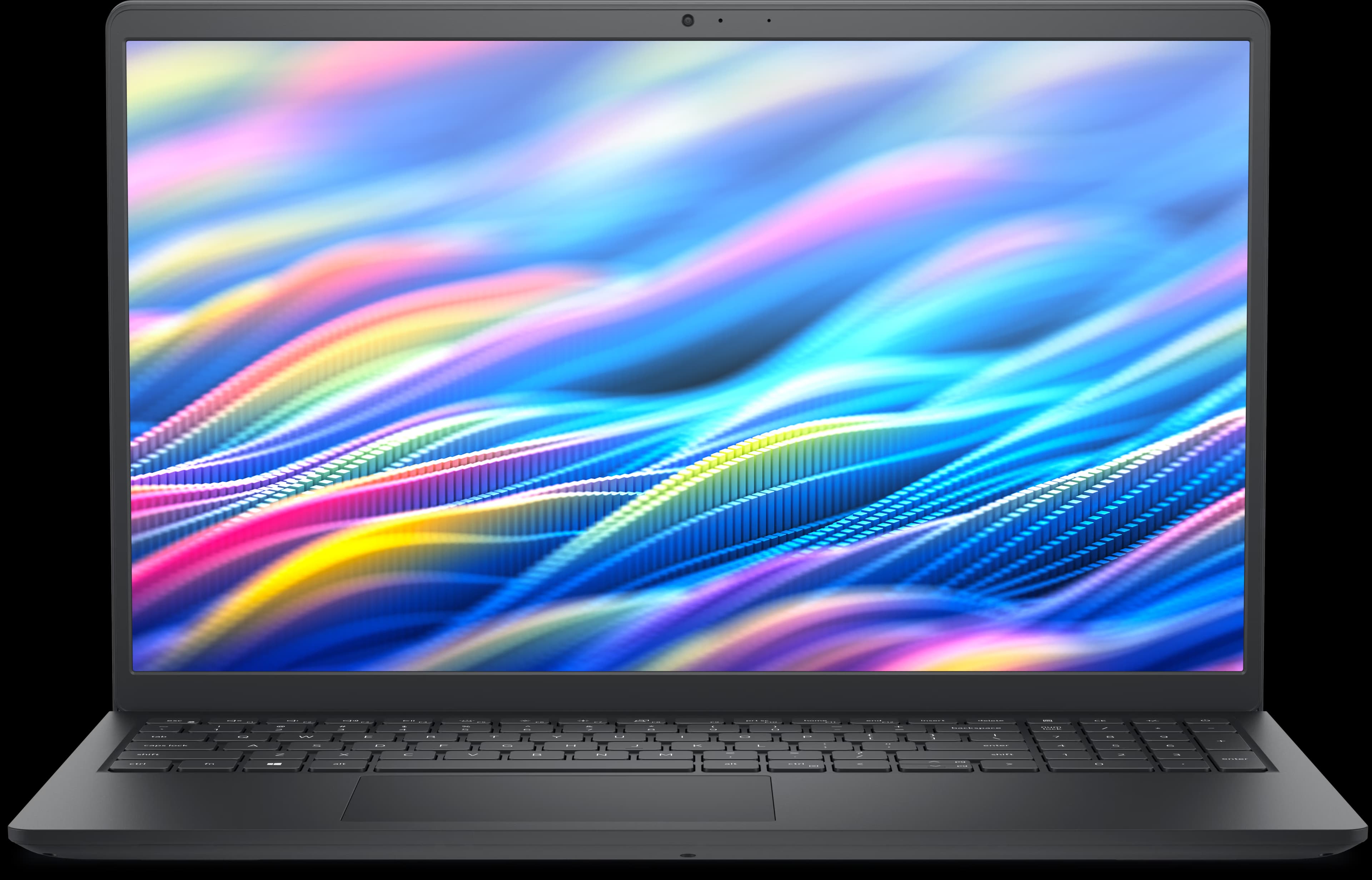
Manufacturer image, not exact model
Quick answers
- RAM
- Not upgradeable
Max: 32 GB
Type: LPDDR5x-8533
Slots: 0
- SSD / Storage
- Upgradeable
Slots: 1
Form factor: M.2
Interface: PCIe
- Charging
- USB-C charging
OEM adapter: 65 W
Connector: usb-c
- Displays
- Up to 2 external
Outputs: usb-c-dp-alt-mode
Can the Dell 14 Plus 2-in-1 run…?
Verdicts for popular games and software, each checked against this laptop's verified specs.
- BeamNG.driveDoesn't meet
- The Elder Scrolls IV: Oblivion RemasteredDoesn't meet
- EA SPORTS FC 25Doesn't meet
- Cyberpunk 2077Doesn't meet
- Elden RingDoesn't meet
- Baldur's Gate 3Doesn't meet
- Grand Theft Auto V EnhancedProbably can't run it
- Red Dead Redemption 2Doesn't meet
- Apex LegendsProbably can't run it
- League of LegendsMeets minimum
- Overwatch 2Likely meets
- Rocket LeagueProbably can't run it
- Docker Desktop (Windows)Likely meets
- Wallpaper EngineLikely meets
- Zoom Workplace (desktop)Likely meets
- Adobe PhotoshopLikely meets
- Adobe Premiere ProLikely meets
- BlenderLikely meets
Explore compatibility in depth
- Max RAM & upgrade details
- SSD upgrade details
- USB-C charging
- External monitor support
- Docking station compatibility
Not sure this is your exact model? How to check your laptop model. Wondering if the RAM can be upgraded? SO-DIMM vs soldered RAM.
See what an upgrade could change
- Memory is soldered and cannot be upgraded
- 1 replaceable M.2 storage slot
- USB-C charging support
- Supports 2 external displays
Storage (SSD)
M.2 · PCIe
An upgrade may help with:
More room for files, apps and games
High potential benefitEveryday responsiveness when replacing a slower or older drive
Workload-dependent
Best reason to upgrade
More storage headroom, plus faster everyday performance if replacing a slower drive.
May not help much if: If your current drive is already a fast NVMe SSD, replacing it with another modern NVMe SSD is unlikely to produce a noticeable everyday speed difference — capacity is the main benefit in that case.
Explore SSD upgrade details →Accessories we’ve checked with the Dell 14 Plus 2-in-1
Compatibility answers computed from this laptop’s verified specs.
Ports and connectivity
| Port | Count | Protocols | Power Delivery | DP Alt Mode |
|---|---|---|---|---|
| USB 3.2 Gen 1 (5 Gbps) | 1 | usb-3.2-gen1 | — | No |
| USB 3.2 Gen 2 (10 Gbps) Type-C with DisplayPort 1.4 and Power Delivery | 1 | usb-3.2-gen2, dp-alt-mode | In | Yes |
| Thunderbolt 4 (40 Gbps) with DisplayPort 2.1 and Power Delivery | 1 | tb4, dp-alt-mode | In | Yes |
| HDMI 2.1 | 1 | hdmi-2.1 | — | No |
| Headset (headphone and microphone combo) port | 1 | — | — | No |
DP Alt Mode means that port can carry video to a compatible monitor or dock over the same USB-C cable used for data. Power Delivery “In” means that port can charge the laptop; “Out” means it can power a connected accessory.
Sources used for this model
- Dell — Dell 14 Plus 2-in-1 Laptop (DB04250) — Product Spec Page — verified 8/20/2026
- Dell — Dell 14 Plus 2-in-1 DB04250 Owner's Manual — memory — verified 9/28/2026
- Dell — Dell 14 Plus 2-in-1 DB04250 Owner's Manual — external ports — verified 9/28/2026
- Dell — Dell 14 Plus 2-in-1 DB04250 Owner's Manual — display support — verified 9/28/2026
- Dell — Dell 14 Plus 2-in-1 DB04250 Owner's Manual — power adapter — verified 9/28/2026
What can I run?
What can this laptop run?
Check the Dell 14 Plus 2-in-1’s CPU, GPU, RAM and storage against games and software requirements.
Search games & software →- Games
7 Days to Die
The Fun Pimps
Minimum and recommended requirements
Valve (Steam)Verified source · Oct 2026 - Creative
Ableton Live 12
Ableton
Minimum requirements
AbletonVerified source · Oct 2026 - Development
Android Studio
Google
Minimum and recommended requirements
Google (Android Developers)Verified source · Oct 2026
Won’t run on this laptop (3 of 240 titles)
Per publisher requirements: a different operating system, or soldered RAM below the minimum.
Curious how the Dell 14 Plus 2-in-1 compares to other laptops on RAM and SSD upgradeability? See our upgradeability report →
More Dell Plus laptops
All Dell Plus laptops →Manufacturer image, not exact model
Dell
Dell 14 Plus
Up to 32 GB RAM
Verified Sep 28, 2026
Manufacturer image, not exact model
Dell
Dell 16 Plus
Up to 32 GB RAM
Verified Sep 28, 2026
Manufacturer image, not exact model
Dell
XPS 17 9730
Up to 64 GB RAM
Verified Oct 6, 2026
Found an incorrect spec? Report it.