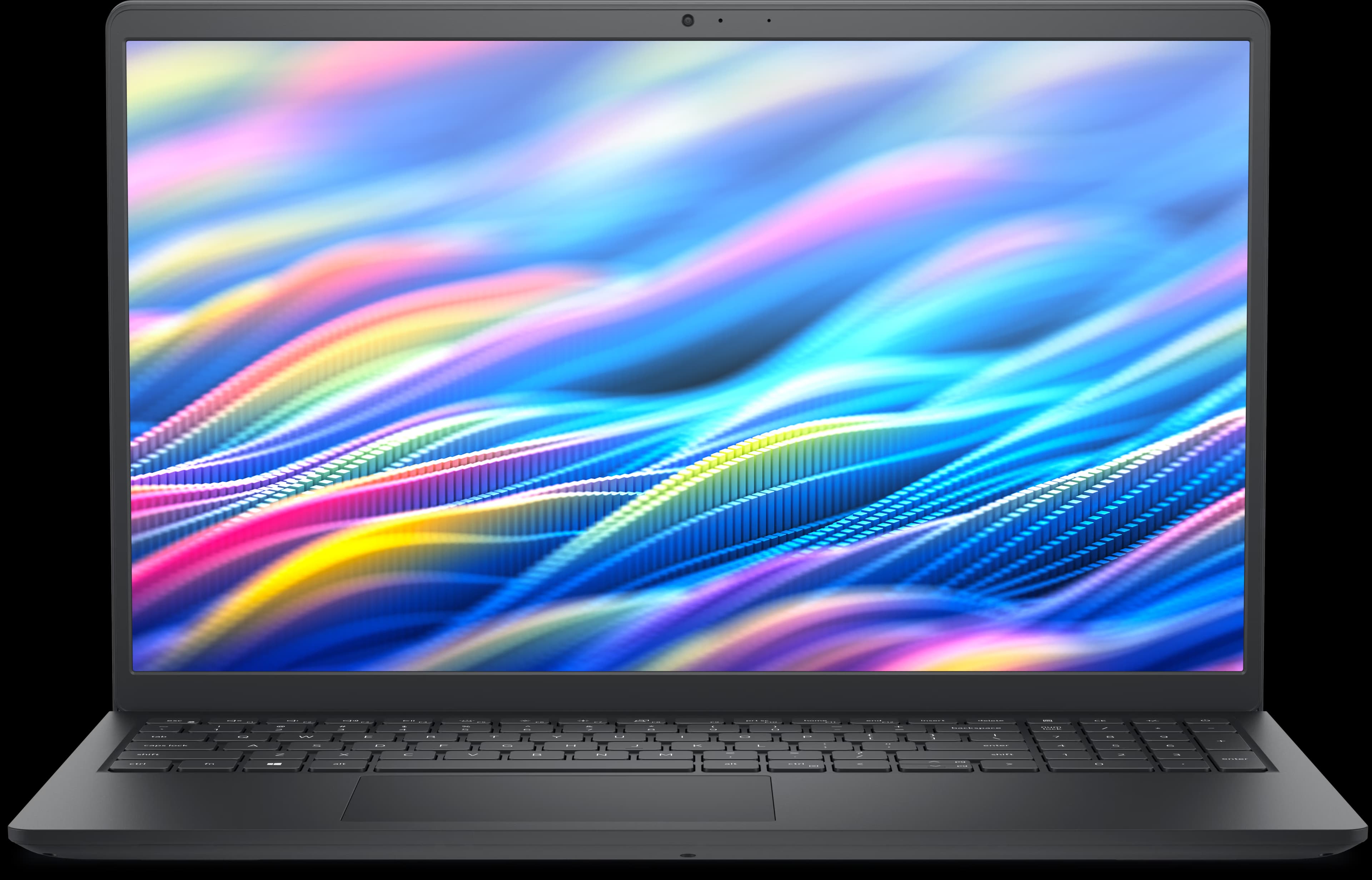
Manufacturer image, not exact model
Dell
Inspiron 14 5420
Quick answers
- RAM
- Upgradeable
Max: 32 GB
Type: DDR4-3200
Slots: 2
- SSD / Storage
- Upgradeable
Slots: 1
Form factor: M.2 2230
Interface: PCIe
PCIe gen: 4
- Charging
- Unknown
OEM adapter: 65 W
Connector: barrel
- Displays
- Unknown
Explore compatibility in depth
- Max RAM & upgrade details
- SSD upgrade details
- USB-C charging
- External monitor support
- Docking station compatibility
Not sure this is your exact model? How to check your laptop model. Wondering if the RAM can be upgraded? SO-DIMM vs soldered RAM.
See what an upgrade could change
- 2 replaceable RAM slots
- 1 replaceable M.2 2230 storage slot
RAM
Up to 32 GB DDR4-3200
An upgrade may help with:
Heavy multitasking with many apps or browser tabs open at once
High potential benefitDevelopment tools and virtual machines
High potential benefitMemory-heavy creative or data workloads
High potential benefitGaming frame rates
Workload-dependent
Best reason to upgrade
More memory headroom when your current capacity is regularly exhausted.
May not help much if: Your workload already fits comfortably within your installed memory — more RAM won't speed up tasks that aren't memory-constrained.
Explore RAM upgrade details →Storage (SSD)
M.2 2230 · PCIe · PCIe Gen 4
An upgrade may help with:
More room for files, apps and games
High potential benefitEveryday responsiveness when replacing a slower or older drive
Workload-dependent
Best reason to upgrade
More storage headroom, plus faster everyday performance if replacing a slower drive.
May not help much if: If your current drive is already a fast NVMe SSD, replacing it with another modern NVMe SSD is unlikely to produce a noticeable everyday speed difference — capacity is the main benefit in that case.
Explore SSD upgrade details →Ports and connectivity
| Port | Count | Protocols | Power Delivery | DP Alt Mode |
|---|---|---|---|---|
| USB 3.2 Gen 1 | 2 | usb-3.2-gen1 | — | No |
| USB 3.2 Gen 2 Type-C with Power Delivery and DisplayPort | 1 | dp-alt-mode | In | Yes |
| HDMI 1.4 | 1 | hdmi-1.4 | — | No |
| SD card slot | 1 | — | — | No |
| Headset combo port | 1 | — | — | No |
DP Alt Mode means that port can carry video to a compatible monitor or dock over the same USB-C cable used for data. Power Delivery “In” means that port can charge the laptop; “Out” means it can power a connected accessory.
Sources used for this model
- Dell Technologies — Inspiron 14 5420 Spec Sheet — verified 8/19/2026 — the publisher’s page is currently unavailable; figures were verified on the date shown
What can I run?
What can this laptop run?
Check the Inspiron 14 5420’s CPU, GPU, RAM and storage against games and software requirements.
Search games & software →- Games
7 Days to Die
The Fun Pimps
Minimum and recommended requirements
Valve (Steam)Verified source · Oct 2026 - Creative
Ableton Live 12
Ableton
Minimum requirements
AbletonVerified source · Oct 2026 - Development
Android Studio
Google
Minimum and recommended requirements
Google (Android Developers)Verified source · Oct 2026
Won’t run on this laptop (3 of 240 titles)
Per publisher requirements: a different operating system, or soldered RAM below the minimum.
Curious how the Inspiron 14 5420 compares to other laptops on RAM and SSD upgradeability? See our upgradeability report →
More Inspiron laptops
All Dell Inspiron laptops →Manufacturer image, not exact model
Dell
Inspiron 16 Plus 7630
Up to 64 GB RAM
Verified Oct 6, 2026
Manufacturer image, not exact model
Dell
Inspiron 15 3535
Up to 16 GB RAM
Verified Oct 6, 2026
Manufacturer image, not exact model
Dell
Inspiron 14 5430
Up to 16 GB RAM
Verified Oct 6, 2026
Found an incorrect spec? Report it.